project details
#overview
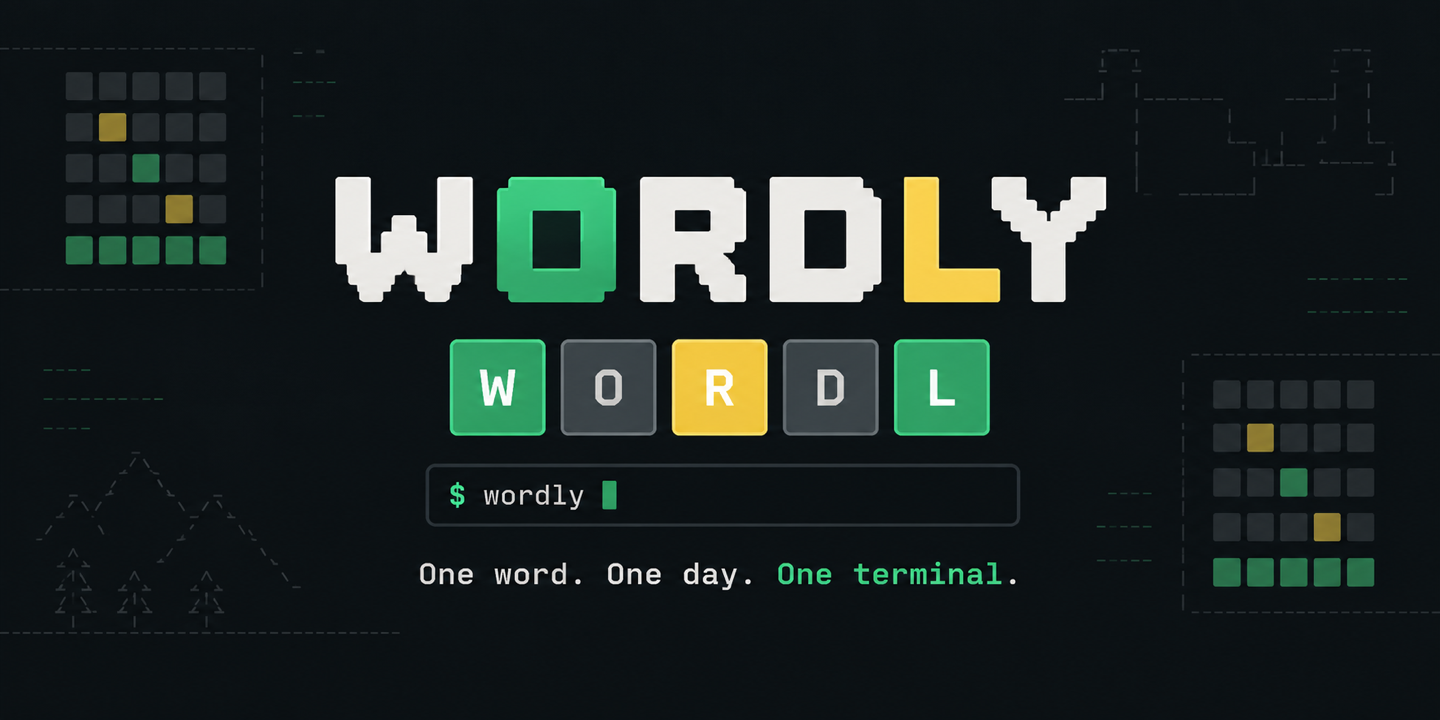
Wordly brings a daily five letter word puzzle into the terminal without reducing it to a plain stream of prompts. It has a responsive terminal interface, keyboard feedback, statistics, saved games, and spoiler free result sharing. A single daily board is selected by UTC date, making the challenge consistent for players in different time zones.
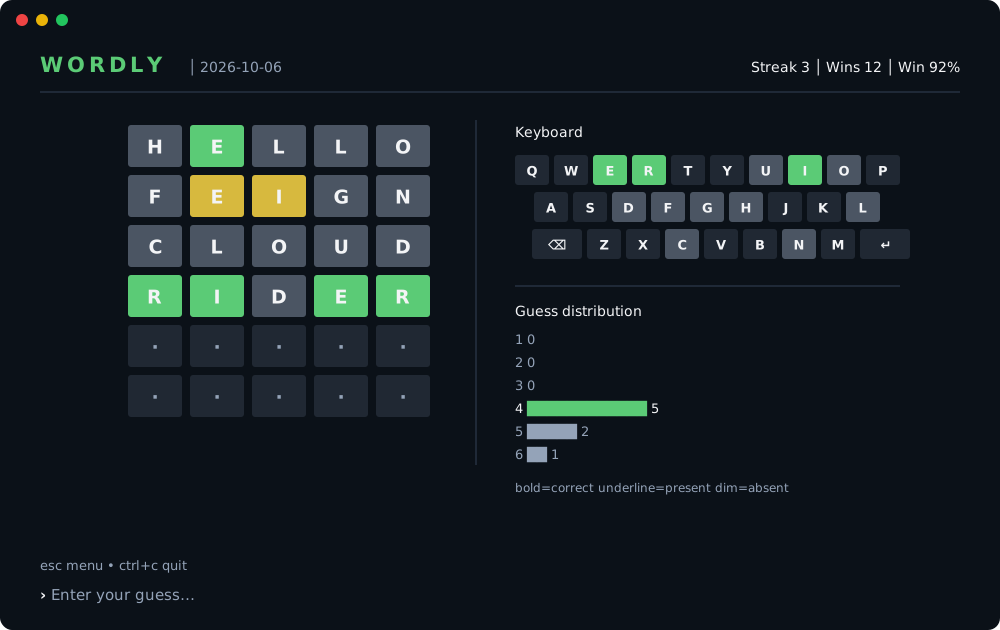
The game is designed to feel native in both large and compact terminals. It retains the strongest feedback for each keyboard letter, handles repeated letters correctly, and validates guesses before consuming an attempt. Submitted guesses and completed boards are persisted, so closing the terminal does not lose the day's progress.
#install and run
Install Wordly
curl -fsSL https://raw.githubusercontent.com/nikhil25803/wordly/main/install.sh | shPlay and inspect statistics
wordly
wordly --stats#architecture and features
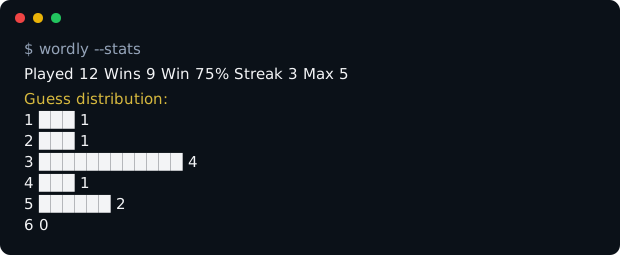
The application is written in Go using Bubble Tea for the state driven terminal interface, Lip Gloss for presentation, and Cobra for command handling. SQLite stores the current user's puzzle history, attempts, streaks, and guess distribution in the operating system's standard configuration directory. The word lists and application resources ship with the binary, keeping normal gameplay independent from a remote service.
Separate commands expose help, version information, statistics, dictionary size, and a scoped reset operation. Result sharing uses OSC52 clipboard support and generates a compact grid without revealing the answer. Accessibility is considered in the terminal itself: correct letters combine bold and green, present letters combine underline and yellow, and absent letters use dimmed text, so state is not conveyed by color alone.
#inside the project
#using the project
- 01Install Wordly through the repository's shell or PowerShell installer. Both installers detect the operating system and architecture, download the latest matching archive, verify its SHA256 checksum, and place the binary in the selected installation directory.
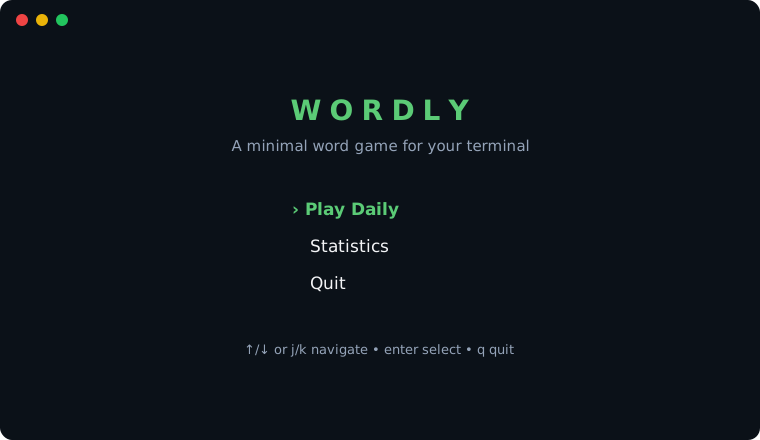
- 02Run `wordly` with no flags to open or resume the current daily puzzle. Enter letters, use Backspace to edit, and press Enter to submit a valid word. Arrow keys or j/k navigate menus, Escape returns to the previous screen, and Ctrl+C exits without discarding submitted guesses.
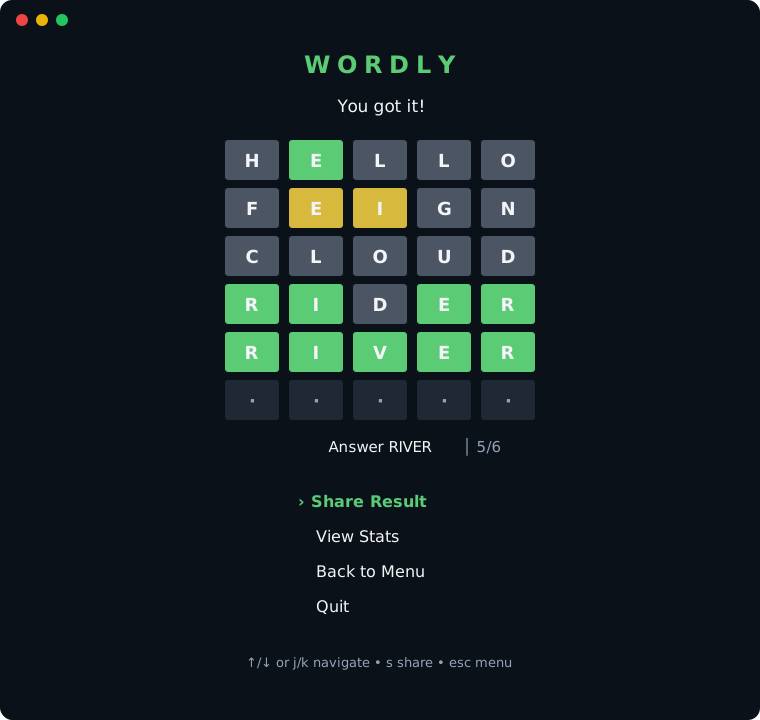
- 03After completing a board, open the result screen and copy the spoiler free grid. Use the statistics command to review wins, streaks, and guess distribution without launching the interface. The reset command removes gameplay history while preserving the local user and bundled dictionary data.