project details
#overview
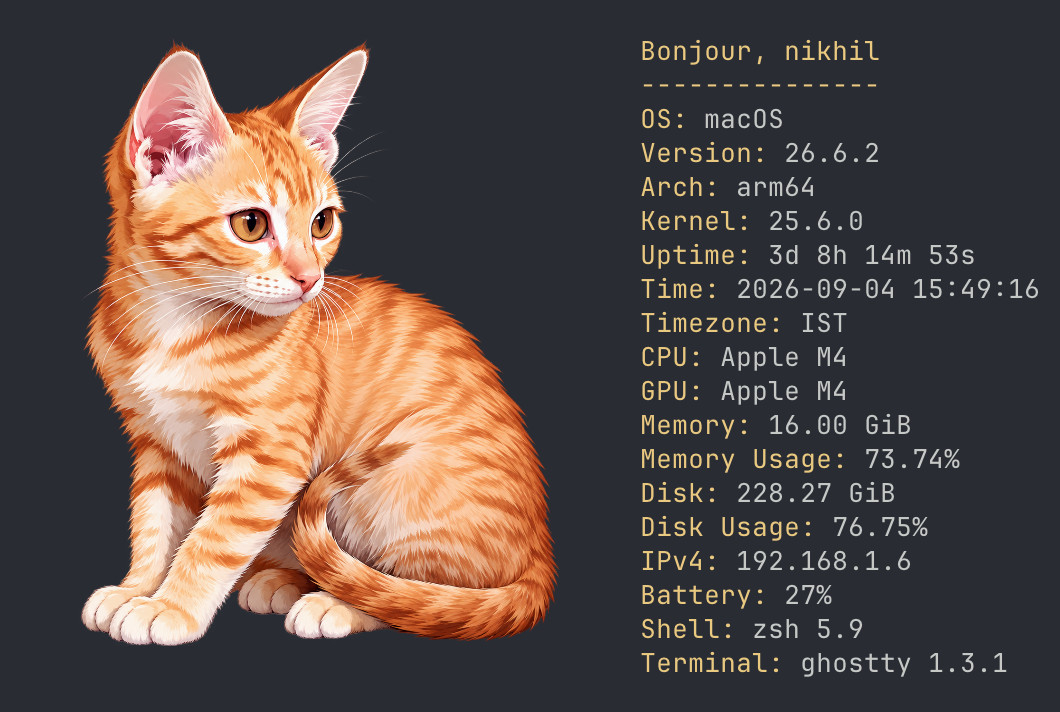
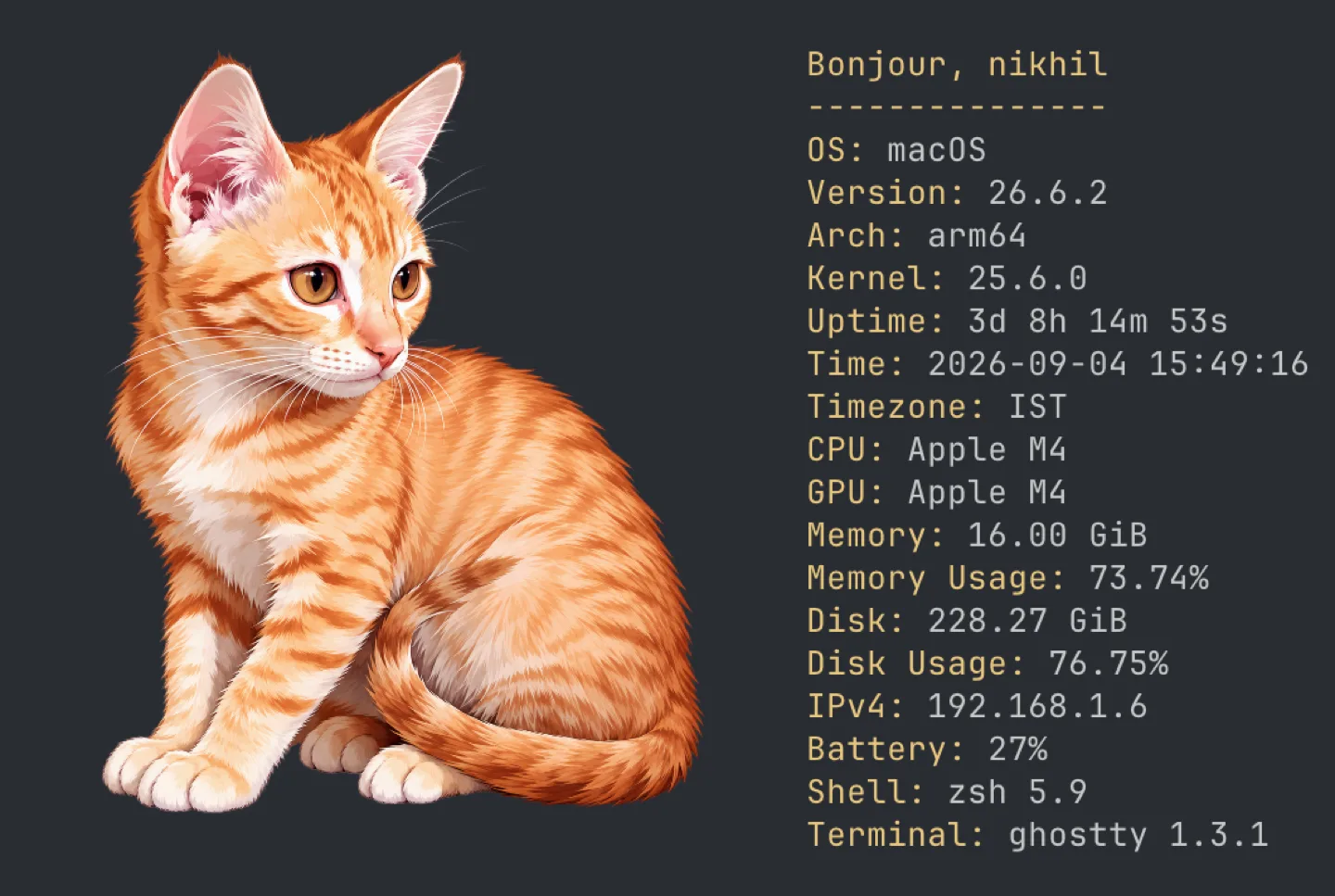
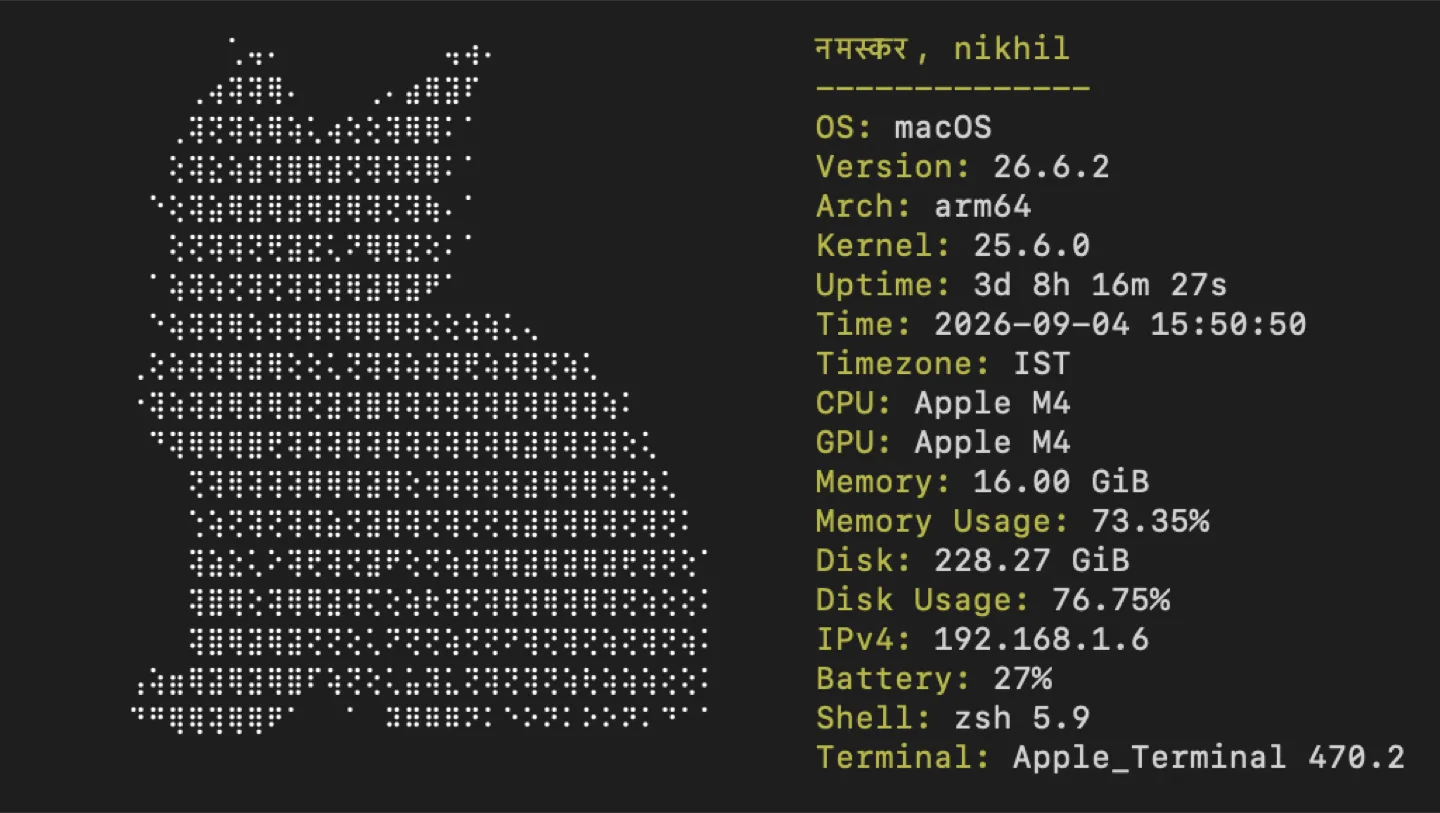
Purrpeek is a system information CLI with a playful presentation. It collects operating system, hardware, storage, network, battery, shell, and terminal information, then pairs the report with cat artwork. The project supports macOS, Linux, and Windows and uses a best effort approach. One unavailable metric does not prevent the rest of the report from rendering.
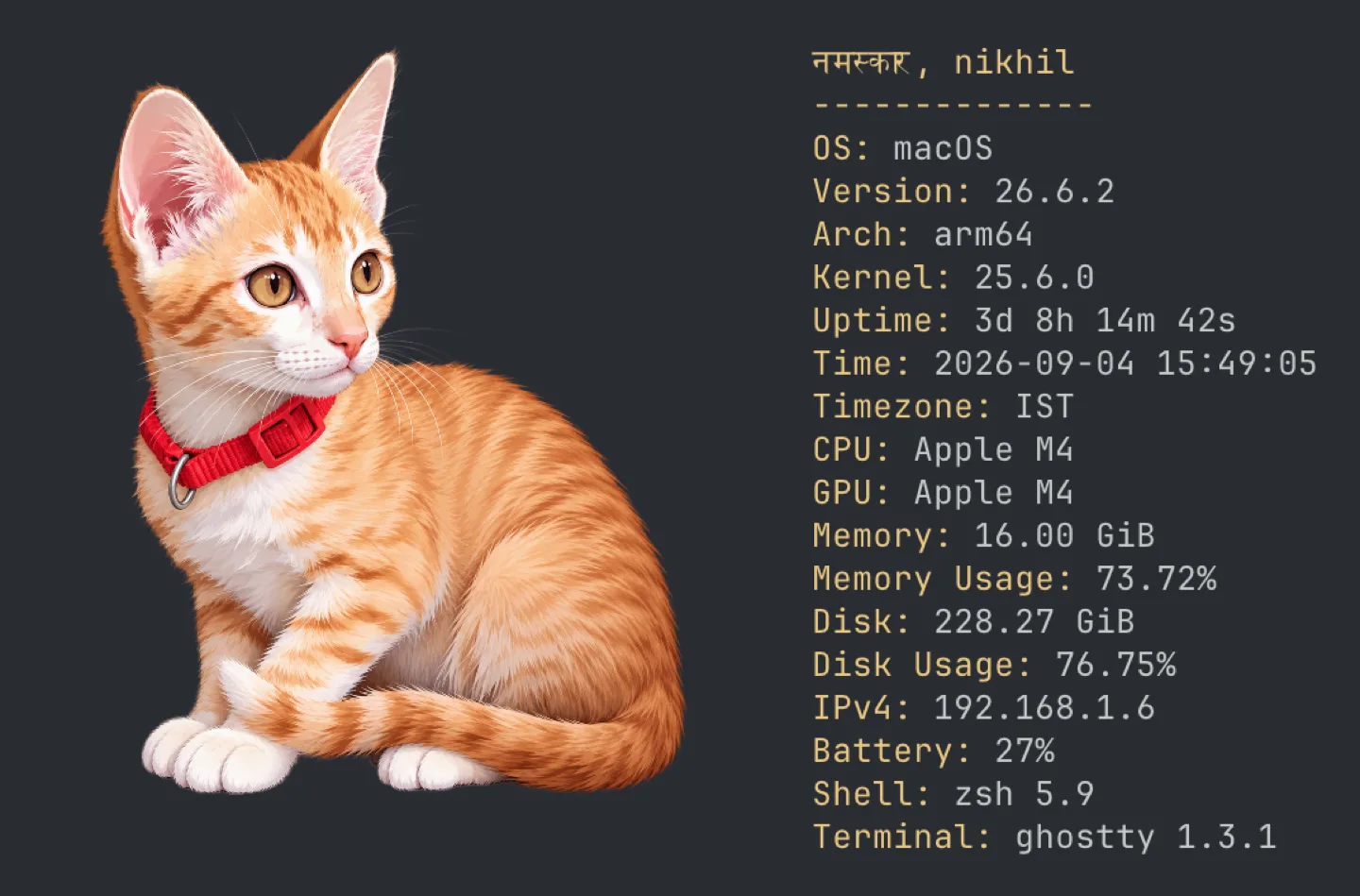
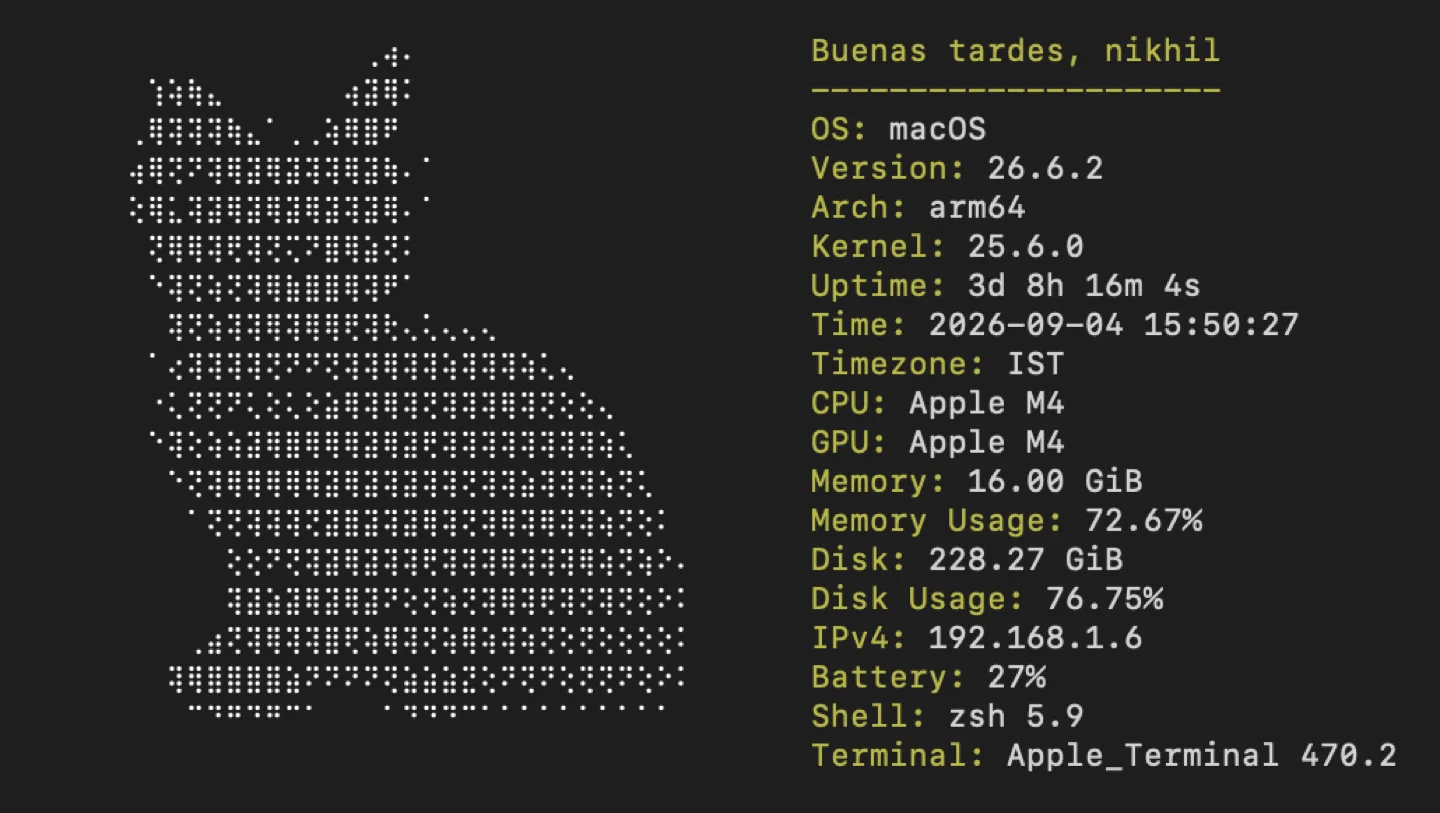
The visual layer adapts to terminal capability. Supported terminals can display bundled images, while other environments receive a Braille fallback. The result is useful as a quick machine summary while still having enough personality to be something people enjoy running and sharing.
#install and run
Install with Homebrew
brew install nikhil25803/tap/purrpeekInstall or run with Nix
nix profile install github:nikhil25803/purrpeek
nix run github:nikhil25803/purrpeek
Install with Scoop on Windows
scoop bucket add nikhil25803 https://github.com/nikhil25803/scoop-bucket
scoop install purrpeek
Install on Linux
curl -fsSL https://raw.githubusercontent.com/nikhil25803/purrpeek/main/scripts/install.sh | shRender a report
purrpeek
purrpeek --json#architecture and features
Purrpeek is written in Go and splits system collection into code paths for each platform. Normal output is easy to read, while JSON output exposes the complete report for scripts. Collection warnings stay quiet by default and can be enabled with a verbose flag, which keeps JSON output clean for downstream consumers. The report covers CPU, GPU, memory, mounted volumes, network interfaces, batteries, shell details, and terminal dimensions where each platform makes that information available.
Optional YAML configuration controls which bundled images may be selected and which report fields are shown. User configuration merges over embedded defaults on each invocation, so changing a preference does not require rebuilding. A separate localization file can add or replace greetings by language and time of day. Invalid configuration is rejected with a concise error instead of silently producing a misleading report.
#inside the project
#using the project
- 01Install Purrpeek through Homebrew, Nix, Scoop, the Linux installer, or a release archive. The Linux installer supports amd64 and arm64, verifies the release checksum, and installs the binary in /usr/local/bin. Windows release archives contain purrpeek.exe for a directory on PATH.
- 02Run `purrpeek` for the normal illustrated report. Add the JSON flag when another program needs the machine data, and combine it with verbose mode only when collection diagnostics are also useful. Help documents the small set of runtime flags.
- 03To personalize the output, create the optional YAML file in the platform configuration directory and select images or report fields. Add a greetings JSON file to extend messages based on the time of day. Because both files are loaded on every run, changes appear immediately.